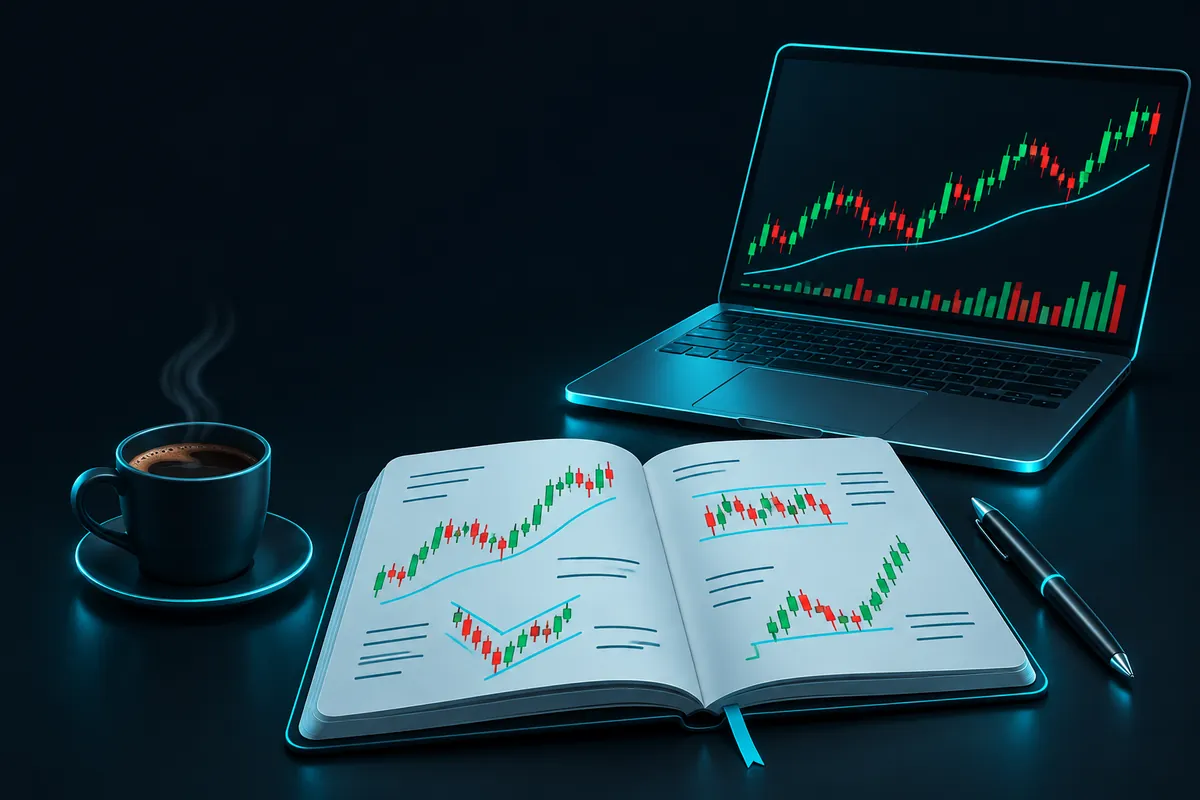
How to keep a trading journal in five steps
- Pick one format and stay with it: a notebook, a spreadsheet, or a journal app. The best one is the one you will still open in three months.
- Decide your fields before your next trade. Write them down once so every entry has the same shape and can be compared later.
- Log each trade when it closes, and no later than the end of the session. Waiting until the weekend means you rebuild the trade from memory, and memory is kind to bad decisions.
- Add the human side: the reason you entered, whether you followed your plan, and your mood before and after. Two or three words are enough.
- Review on a schedule. A short weekly read and a longer monthly one, with one change to try next month.
| Format | Good for | Watch out for |
|---|---|---|
| Notebook | Writing reasons and feelings in your own words | Totals and averages have to be worked out by hand |
| Spreadsheet | Formulas, filters and charts you control | Slow to fill in on a phone; formulas break when edited |
| Journal app | Quick logging right after the trade, statistics without setup | You work within the fields the app offers |
If you already trade, you do not have to start from zero. Your platform history has the hard numbers. In MetaTrader 5 for PC you can open the History tab and save a trade report (MT5 help: trading report), then add the notes and emotions to those trades by hand.

SessionX logs a trade (pair, lot size, result, emotion, note) in a few taps and can import your MT5 history, so the facts are in before you write the notes. Get it on Google Play
What to include in a trading journal
Split the entry into facts you can measure and notes you can only get from yourself. The facts tell you what happened. The notes tell you why it keeps happening.
| Field | Example | Why it matters |
|---|---|---|
| Date and time | Tue 08:40 | Shows which hours and sessions cost you money |
| Pair and direction | GBP/USD, sell | Your win rate per pair is often different from what you expect |
| Lot size | 0.10 | Spots size creeping up after wins or losses |
| Entry, stop, target | 1.2710 / 1.2735 / 1.2660 | Lets you check risk and reward before the result |
| Exit and result | 1.2735, -25 pips, -$25 | The raw outcome |
| Setup or reason | Rejection at prior high | Groups trades so you can compare setups |
| Followed plan? | No, entered early | Separates bad luck from bad process |
| Emotion before / after | Impatient / annoyed | Links moods to results |
Keep it to what you will fill in every time. Ten fields filled in on every trade beat twenty fields filled in on some of them. You can always add a column later once a question comes up that the journal cannot answer.
Trading journal examples: a good entry and a weak one
A weak entry: "EUR/USD loss, market was choppy." It records the result but gives you nothing to act on.
A useful entry: "EUR/USD buy 0.20 lots at 1.0840, stop 1.0820, target 1.0880. Stopped out, -20 pips. Took it 5 minutes after a loss, no confirmation candle. Felt frustrated before entry." Six months from now, ten entries like that one tell you something specific: trades taken right after a loss, without your usual confirmation, lose more often for you.
Screenshots of the chart at entry and exit help if you trade from price patterns. Save them with the date and pair in the file name so you can find them from the journal.
How to maintain a trading journal: the review routine
Weekly (15 minutes)
- Read every entry from the week, wins and losses.
- Count how many trades broke your own rules, and what those trades returned in total.
- Write one sentence: what was the most expensive mistake this week?
Monthly (30 to 45 minutes)
- Work out win rate, average win, average loss, and expectancy (results per trade on average). See trading expectancy for the formula.
- Sort results by pair, by hour of the day, and by emotion. Look for a group that loses clearly more than the rest.
- Check your largest drawdown and whether your lot size stayed the same through it.
- Choose one rule to change or add for the next month, and write it at the top of next month's page.
One change per month is enough. If you change three things at once, you will not know which one helped.
Why journals get abandoned, and how to avoid it
- Too many fields. Cut back until logging takes under a minute.
- Only logging losses. Wins carry habits too, such as taking profit too early.
- Logging without reviewing. Put the weekly review in your calendar like any other appointment.
- Editing old entries after the fact. Add a note instead, so the original record stays honest.
Keep the journal on your phone
SessionX shows each month as a calendar of green and red days, with win rate and pair and emotion breakdowns ready for your monthly review.
Get it on Google PlayiPhone version coming soon
More guides
- Trading Journal Template for Excel and Google SheetsA forex trading journal template you can build in Excel or Google Sheets: the columns to use, sample rows, and formulas for pips, R multiple, win rate and expectancy.
- Trading Expectancy: Formula, Calculator and Win RateTrading expectancy = (win rate x average win) - (loss rate x average loss). Calculator, examples, break-even win rate by risk/reward, and reading it from a journal.
- Forex Position Size Calculator and Lot Size FormulaWork out forex lot size from account balance, risk percent, stop-loss in pips and pip value. Calculator, worked examples, pip value per lot, and why 1% risk adds up.
- Revenge Trading: Meaning, Warning Signs and How to StopRevenge trading means trading to win back a loss straight away. How to spot it in your trading journal, and the rules that stop it: loss limits, cooldowns, fixed size.
Published by Zoranta, the developer of SessionX.